We make Imoframe, so read this knowing that. The steps below work whatever tool you use; the last two sections show how to do it with Imoframe and how to do it yourself for free.
Step 1: pick your photos
- 8 to 12 photos are enough for a 20–35 second video. More makes it long; fewer looks thin.
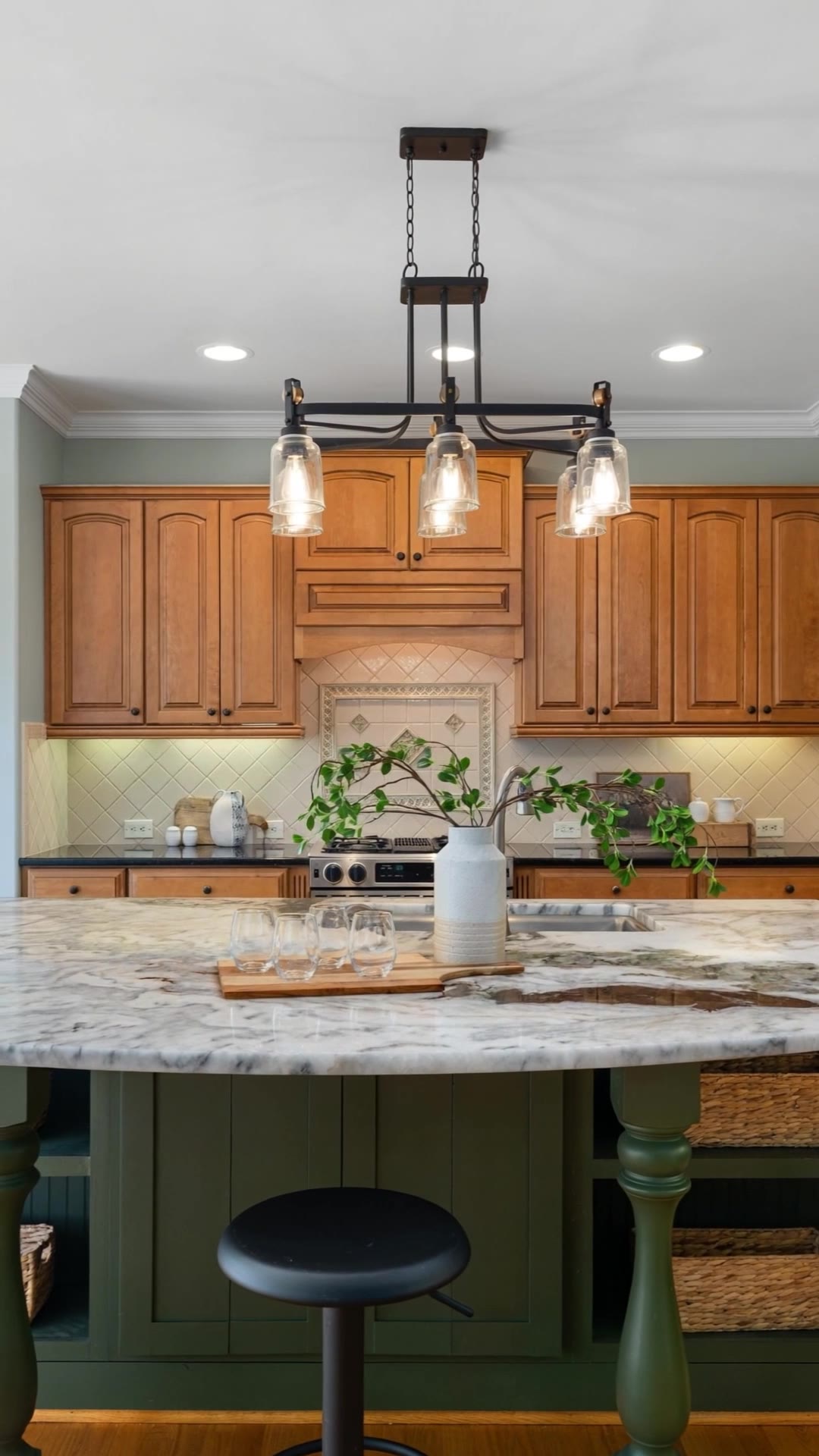
- Take the brightest, sharpest ones, shot straight (vertical walls), without people or clutter.
- One photo per room, two for the main living space. Skip the corridors, the laundry and the empty walls.
Step 2: put them in visiting order
Buyers follow the video like a visit. Start outside, then walk in: front of the house, entrance, living room, kitchen, bedrooms, bathroom, then the garden, terrace or view to finish. Ending on the best view leaves the strongest memory.
Step 3: choose the format
| Where you post | Format |
|---|---|
| Instagram Reels, TikTok, YouTube Shorts, WhatsApp status | Vertical 9:16 |
| Property portals, your website, YouTube | Horizontal 16:9 |
Landscape photos in a vertical video get cropped at the sides; check that the important part of each room stays in the middle.
Step 4: add movement and music
A slow camera move on each photo — a gentle push-in or pan — makes the video feel filmed rather than a slideshow. Keep each shot about 2.5–3.5 seconds and pick calm music without lyrics. Hard cuts on the beat feel modern; soft fades feel calmer.
Step 5: put the key facts on screen
Most social videos are watched without sound. Show the city or neighbourhood, the price, the bedrooms, bathrooms and size, and your name or logo with a phone number or email, so a buyer who stops on the video knows who to call.
Step 6: post it where buyers look
- Instagram and TikTok: post it as a Reel, put the price and area in the first line of the caption, tag the location.
- Portals: most accept a video file or a YouTube link; see our guides on adding a video to each portal.
- WhatsApp and email: send it to the buyers who asked about similar homes.
The fast way: with Imoframe (10–20 minutes)
- Upload the photos (from your phone or computer) or paste the listing link.
- Add the price, city, rooms, your logo and contact, choose vertical or horizontal.
- Pay $9.99 for the video (or 5 for $44.99, 10 for $79.99, paid once). The video arrives by email 10–20 minutes later, with music.
- After delivery you can change the text, logo, music and format, reorder or remove shots, choose the transitions and the length of each shot, and redo up to 3 shots for free.
The free way: do it yourself in a video editor
- In an editor such as CapCut or Canva, create a project in 9:16 or 16:9 and import your photos in visiting order.
- Give each photo about 3 seconds and add a zoom or pan effect so it moves.
- Add a music track from the editor's library, then text boxes with the price, the city, the rooms and your contact.
- Export in 1080p. Count about an hour for your first one.