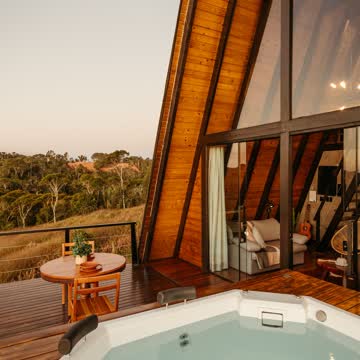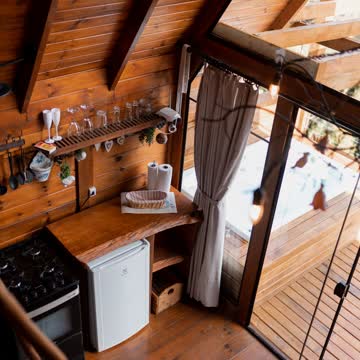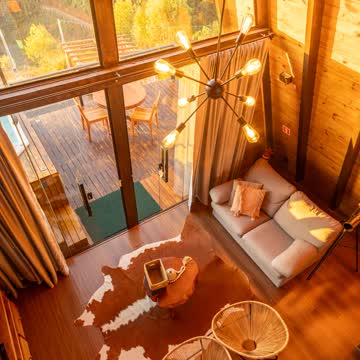
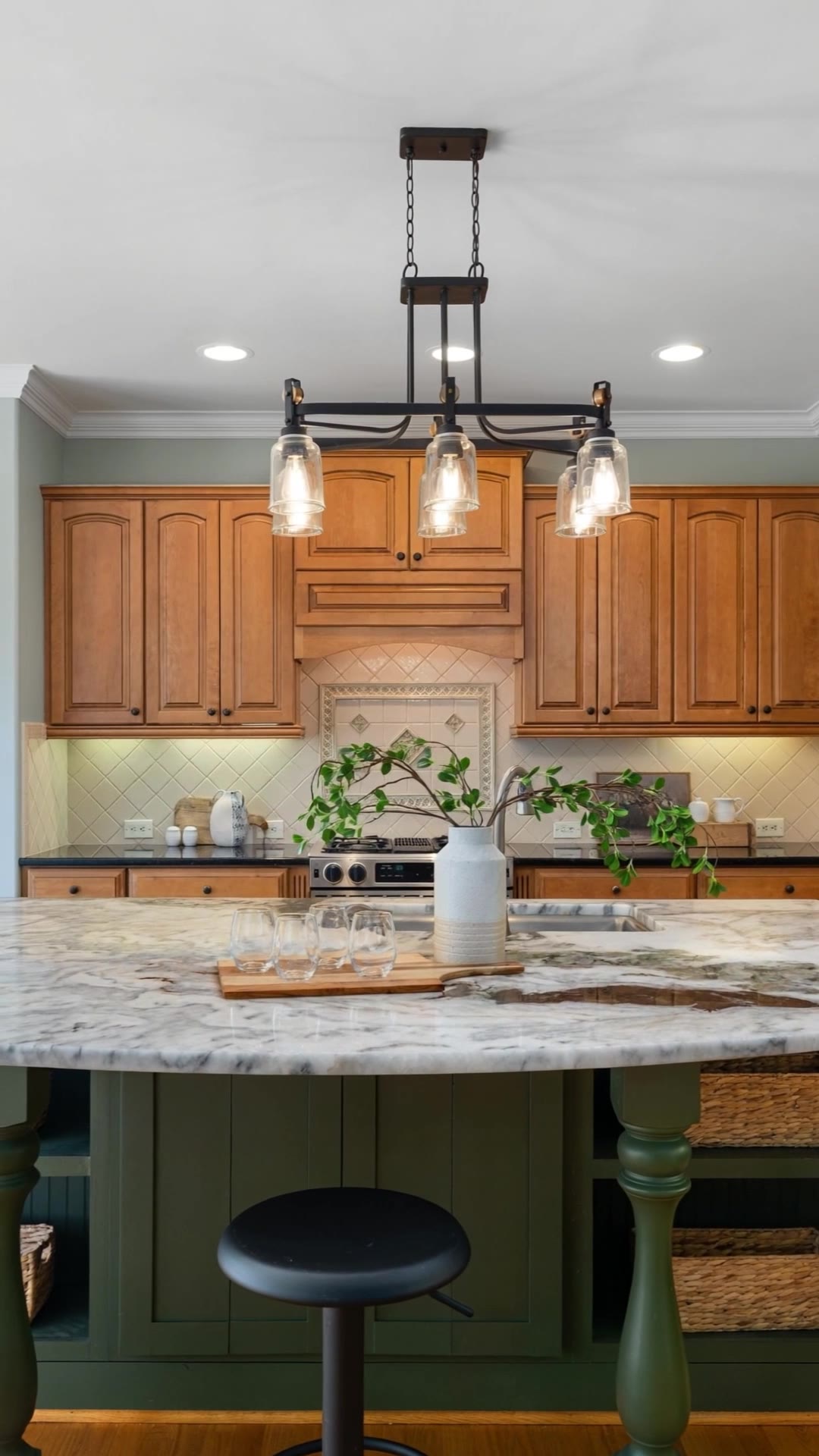
Most listings never get a video because a shoot costs money and takes days. You already have what you need: the listing photos. Here is the process that works in 2026.
1. Pick the right photos
Choose photos that are bright, level and sharp. A camera move makes every flaw more visible, so a tilted or blurry photo looks worse in a video than in a gallery.
- Exterior or facade, to open or close the video
- Living room and kitchen — the rooms buyers look at longest
- Main bedroom and one bathroom
- Outdoor space, pool or view
Skip near-duplicates. Two angles of the same room rarely add anything and make the video longer.
2. Put them in a walk order
Follow the path a visitor would take: entrance, living areas, kitchen, bedrooms, then the outdoor space or view. Open on your strongest image — people decide in the first two seconds whether they keep watching.
3. Animate each photo
AI video models can turn a still photo into a short clip with real depth: the camera slowly orbits, pans or moves through the room. Slow, short moves look the most natural and invent the least. Imoframe picks the move for each photo, so there are no prompts to write.
Always watch the result. AI models predict what lies just outside the photo; if a shot shows something that isn't really there, replace it or take it out.
4. Add music and the listing details
Many people watch with the sound off, so the key facts must be on screen: price, city, bedrooms, bathrooms and size, plus your logo and phone or email. Royalty-free music keeps the video safe to post anywhere.
5. Export two formats
- 9:16 vertical for Instagram Reels, TikTok and Stories
- 16:9 horizontal for listing portals, YouTube and your website
With Imoframe the whole process takes about 10–20 minutes after you upload the photos, for $9.99 per listing.