This is general guidance, not legal advice. Your MLS, portal and local regulator have the final word.
Accuracy comes first
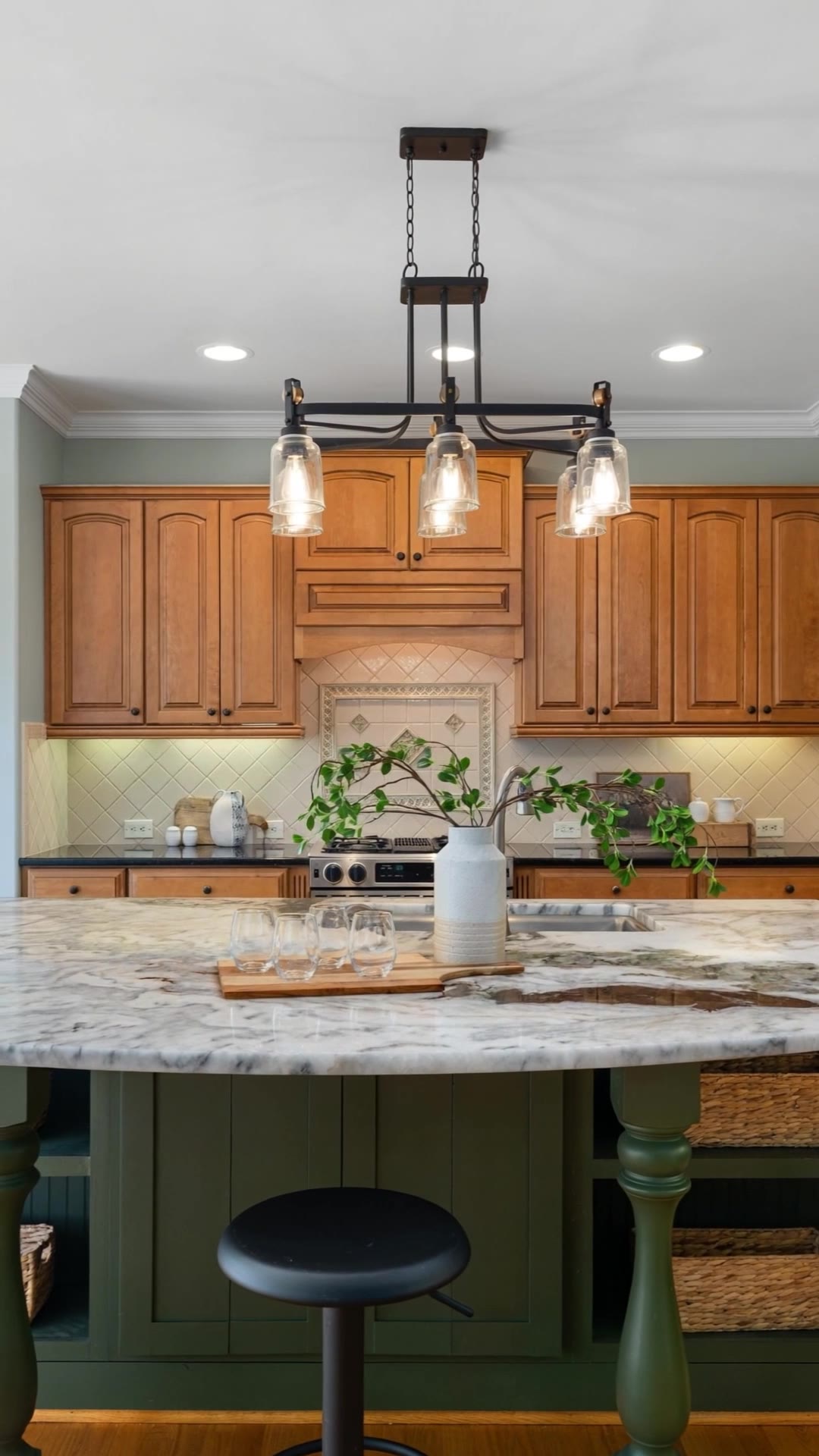
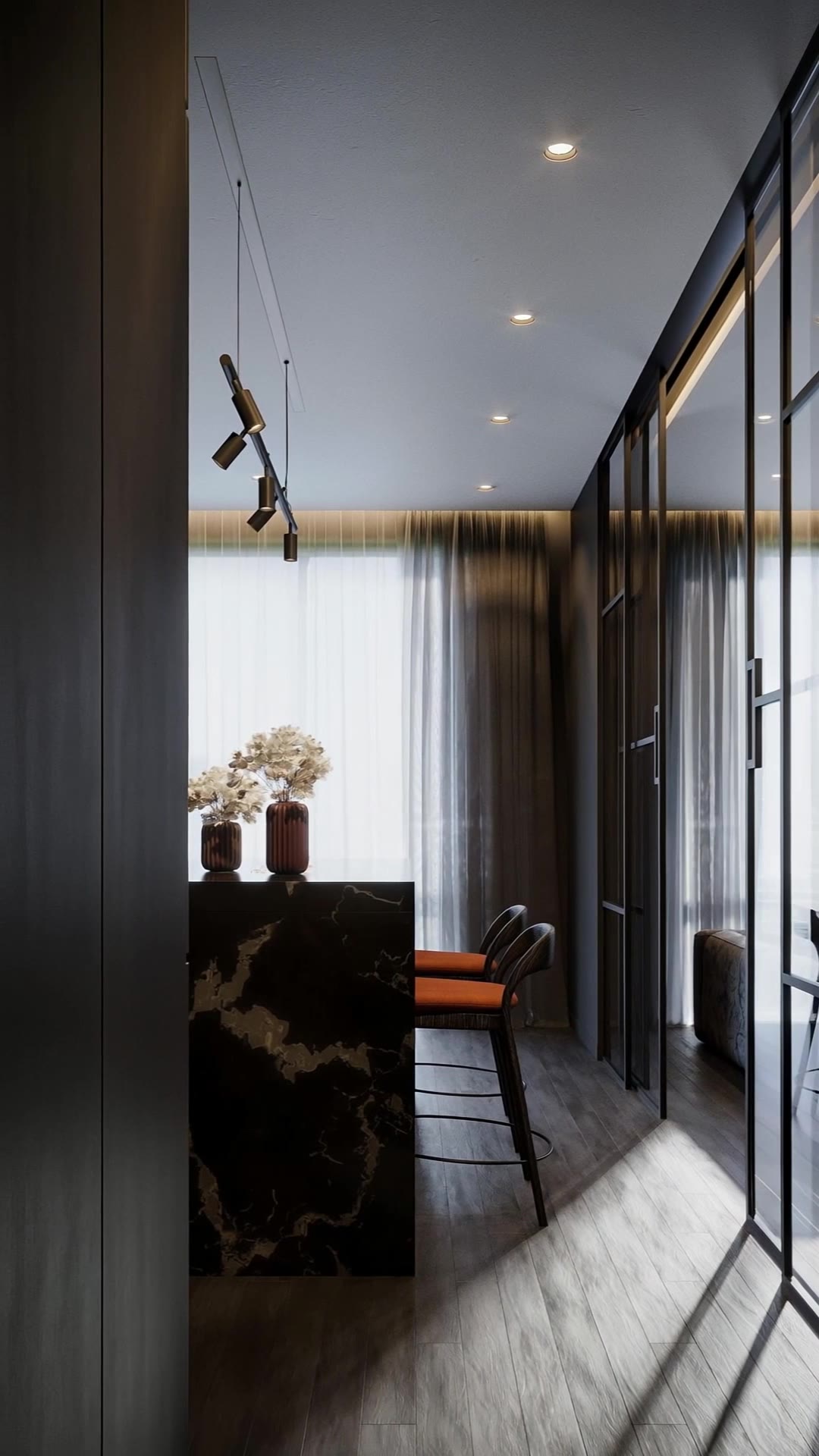
Animating a real photo with a camera move is different from virtual staging: no furniture is added. But AI video models do predict what lies just outside the frame, and they can occasionally invent a wall, a lamp or a doorway. Watch every shot before you post.
- If a shot shows something that isn't there, redo it with another move or take it out
- Don't use AI to remove defects, change views or add features
- When in doubt, mention that the video was created from listing photos
Branding
Many MLSs don't allow the agent's logo, phone or website on media they host. Keep two versions: an unbranded one for the MLS and a branded one for social media and your website.
With Imoframe you can switch the logo and contact off and re-cut the video for free — no new generation.
Music and rights
Use music you have the rights to publish. Copyrighted songs can get a video muted on social media and rejected by portals.